
Need help? Call us:
+91 99 4960 5821
₹182,900.00 Original price was: ₹182,900.00.₹182,880.00Current price is: ₹182,880.00.

₹165,200.00 Original price was: ₹165,200.00.₹165,180.00Current price is: ₹165,180.00.
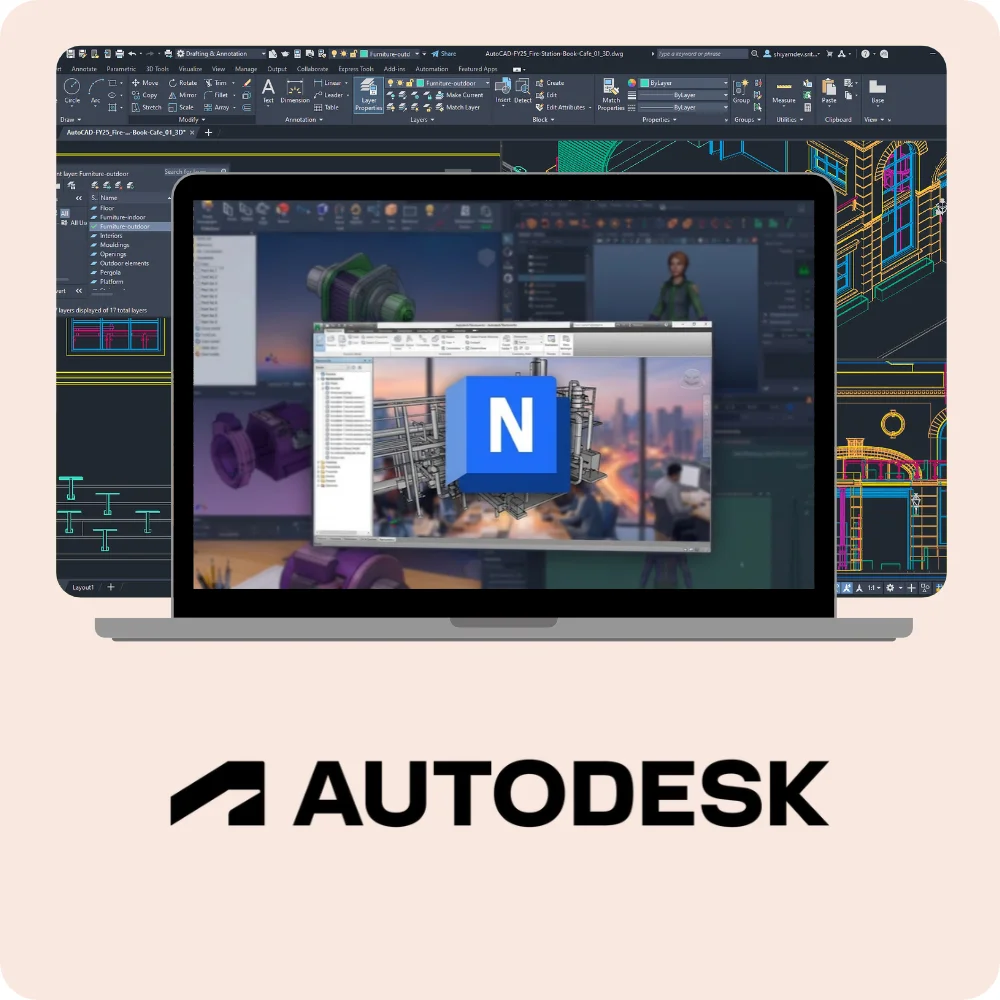
Autodesk Navisworks Manage Genuine License Key | E Prime Shop
₹133,340.00 Original price was: ₹133,340.00.₹108,980.00Current price is: ₹108,980.00.
Buy Autodesk Navisworks genuine license key for advanced 3D project review, BIM coordination, and clash detection. Integrate multi-disciplinary design data seamlessly to identify conflicts, streamline construction…
More
simulation, and improve overall project delivery across engineering teams.
Share:
Complete 3D Model Review and Clash Detection Software
Autodesk Navisworks is a comprehensive project review software used by architecture, engineering, and construction professionals to holistically evaluate 3D models and data with stakeholders. By combining design and construction data into a single federated model, Navisworks allows teams to identify and resolve clashes and constructability issues before physical construction begins, reducing costly delays and rework on-site.
Key Features
- Advanced Clash Detection & Coordination: Anticipate and identify clashes and interferences across multi-disciplinary BIM and CAD models before construction starts.
- 5D Simulation and Scheduling: Link model geometry with project schedules to visualize construction timelines, logistical sequences, and 4D/5D simulations.
- Model Aggregation: Combine multi-format design, architectural, and structural CAD data into a unified, integrated project model.
- Quantification & Takeoff: Measure lines, areas, and counts from 2D sheets or 3D models to generate automated material quantity takeoffs.
- Photorealistic Rendering: Create compelling 3D animations and imagery to present project milestones and design intent to clients and stakeholders.
- Autodesk Construction Cloud Integration: Connect directly with BIM 360 and Autodesk Construction Cloud to coordinate workflows and manage project issues collaboratively.
System Requirements
- Operating System: 64-bit Microsoft Windows 11 or Windows 10 (version 1809 or higher)
- Processor: Minimum 2.5–2.9 GHz processor (3.0 GHz or higher recommended)
- Memory (RAM): Minimum 8 GB RAM (16 GB or 32 GB recommended for large coordination models)
- Graphics: Direct3D 11 capable graphics card with Shader Model 5.0 and minimum 2 GB VRAM (4 GB+ recommended)
- Disk Space: 15 GB free disk space for download and installation
- Display Resolution: 1920 x 1080 resolution with True Color
What You Get
- 100% Genuine Autodesk Navisworks License Subscription
- Official Autodesk account assignment and direct download links
- Step-by-step installation and software activation guide
- Dedicated customer technical support from E Prime Shop
Note: This is a genuine digital license — the activation key and download link are sent to your email after the order is confirmed.
Prices may change with publisher offers, so the final price can go slightly up or down.
| Brand | Autodesk |
|---|---|
| Product | Navisworks |
| Edition | Manage |
| License Type | Subscription License |
| Validity | 1 Year |
| Devices/Users | 1 User / Account |
| Platform | Windows (64-bit) |
| Language | Multilingual |
| Delivery | Email — instant digital delivery |
How to Activate
- Complete your order on E Prime Shop and check your registered email for licensing details.
- Go to the official Autodesk Account portal (manage.autodesk.com) and log in or create your Autodesk ID using your purchase email.
- Under the 'Products and Services' section, locate Autodesk Navisworks assigned to your account.
- Download and install the software using the official Autodesk installer.
- Launch Navisworks and sign in with your Autodesk ID to activate and begin using your software.
Need assistance with your setup? Contact E Prime Shop customer support via email or WhatsApp for quick installation help.
Is this a genuine Autodesk Navisworks license?
Yes, all licenses sold on E Prime Shop are 100% genuine and official. The subscription is assigned directly to your registered Autodesk account.
How is the software delivered after purchase?
Delivery is completely digital. You will receive an email containing order confirmation, activation details, and instructions within a few minutes to hours.
How do I activate Autodesk Navisworks?
Log in to manage.autodesk.com using the email provided during checkout. Navisworks will be available under your Products list to download, install, and activate.
What is the difference between Navisworks Manage and Navisworks Simulate?
Navisworks Manage includes all features of Simulate plus advanced automated clash detection and interference management capabilities.
Can I install Navisworks on a Mac computer?
Autodesk Navisworks is natively built for 64-bit Windows operating systems. It does not run natively on macOS unless using Windows emulation like Bootcamp or Parallels.
Can I reinstall Navisworks if I format or change my PC?
Yes. Because the license is tied to your Autodesk ID, you can sign out from your old PC, reinstall the software on your new PC, and log in to activate.
How many users or devices can use this license?
The license is a single-user subscription assigned to one named user account. It can be installed on multiple machines, but only used on one device at a time.
Does Navisworks integrate with Revit and AutoCAD files?
Yes, Navisworks supports file formats from Autodesk Revit, AutoCAD, Civil 3D, and various third-party CAD, BIM, and laser scanning applications (NWD, NWF, NWC, IFC, DWG, RVT).
How long is this Navisworks license valid?
This license is provided as a 1-year prepaid subscription with full access to official software updates and cloud coordination services during the term.
Do I get access to official Autodesk updates and new releases?
Yes, an active subscription allows you to download product updates, enhancements, and new major versions directly from the Autodesk Desktop App or account portal.
What is the refund policy for this software?
Refunds are applicable if the license delivery fails or if there is an unresolvable technical issue with activation verified by our support team.
Where can I get help if I encounter activation issues?
E Prime Shop provides dedicated customer support via email and WhatsApp to guide you through installation and account setup.

Reviews
There are no reviews yet.